Notebooks
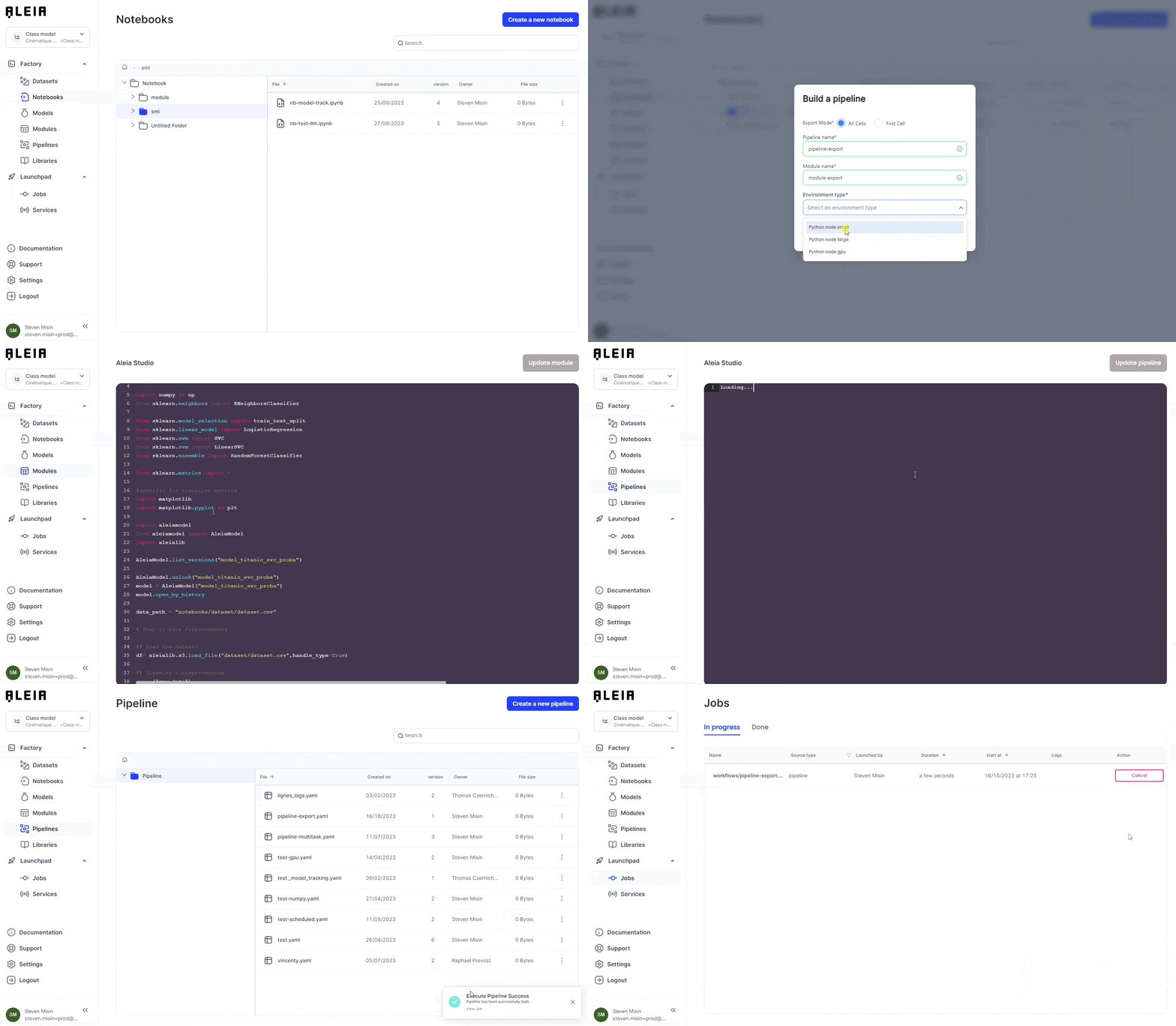
Inside a Notebook we have access to a variety of tools that will help you interact with your data et develop your AI use-case. You will be able also to use specific features to convert your notebook into reusable code (modules) and execute it (pipelines & jobs).
|
Currently, Allonia platform supports these versions of Jupyter:
|
Create and open a Notebook
To create a notebook, just simply click “Create New Notebook” from the workspace:
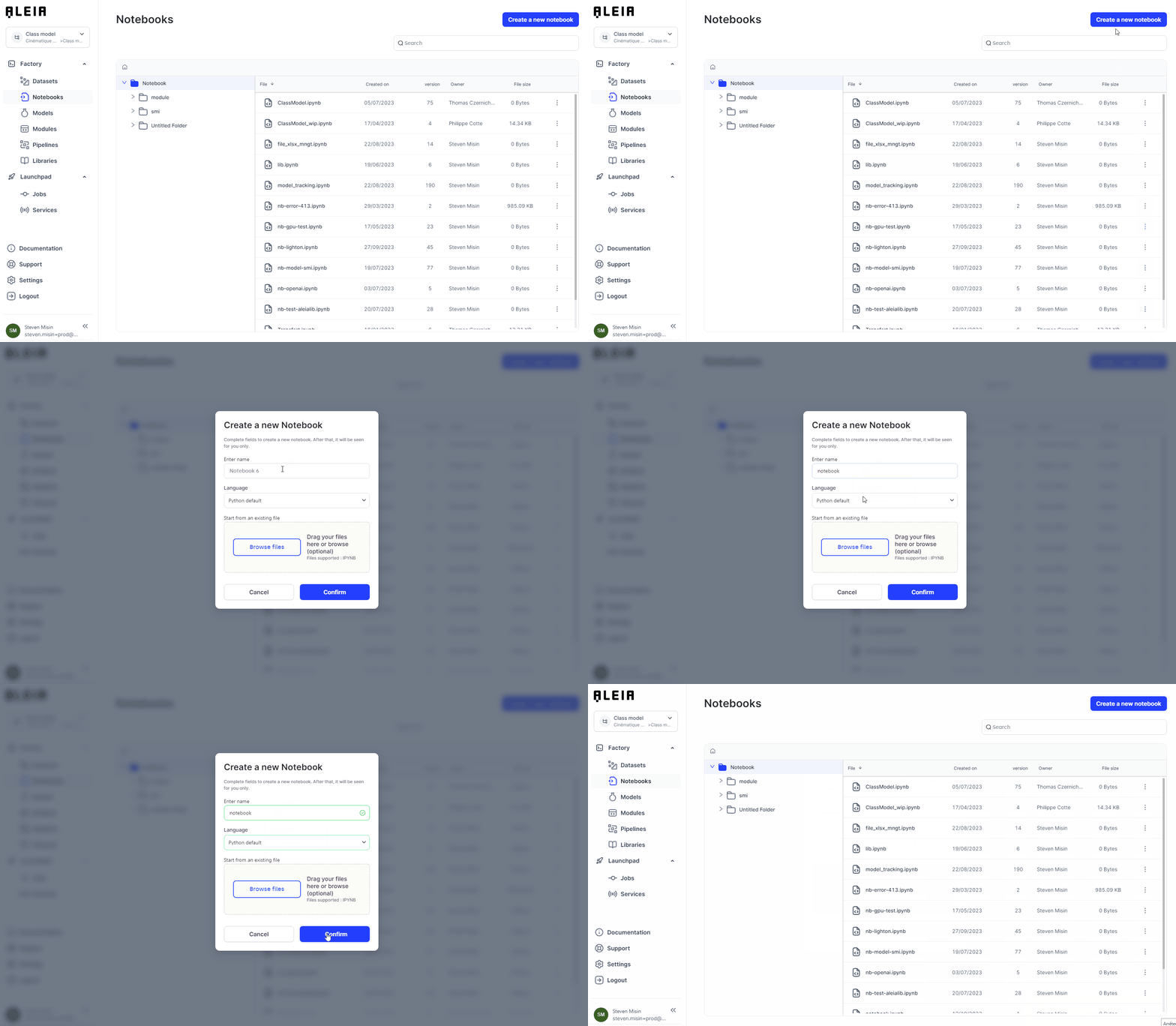
You will then be asked on which environment you want the Notebook to run.
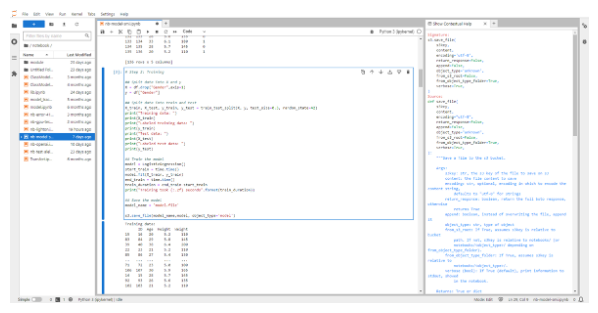
To open a notebook, click on it in the workspace or click "…" > open.
Manage your notebook compute environment
We aim to provide a flexibility around resources that you could use with your notebook.
Each notebook you created can be launched each time with a specific computing environment.
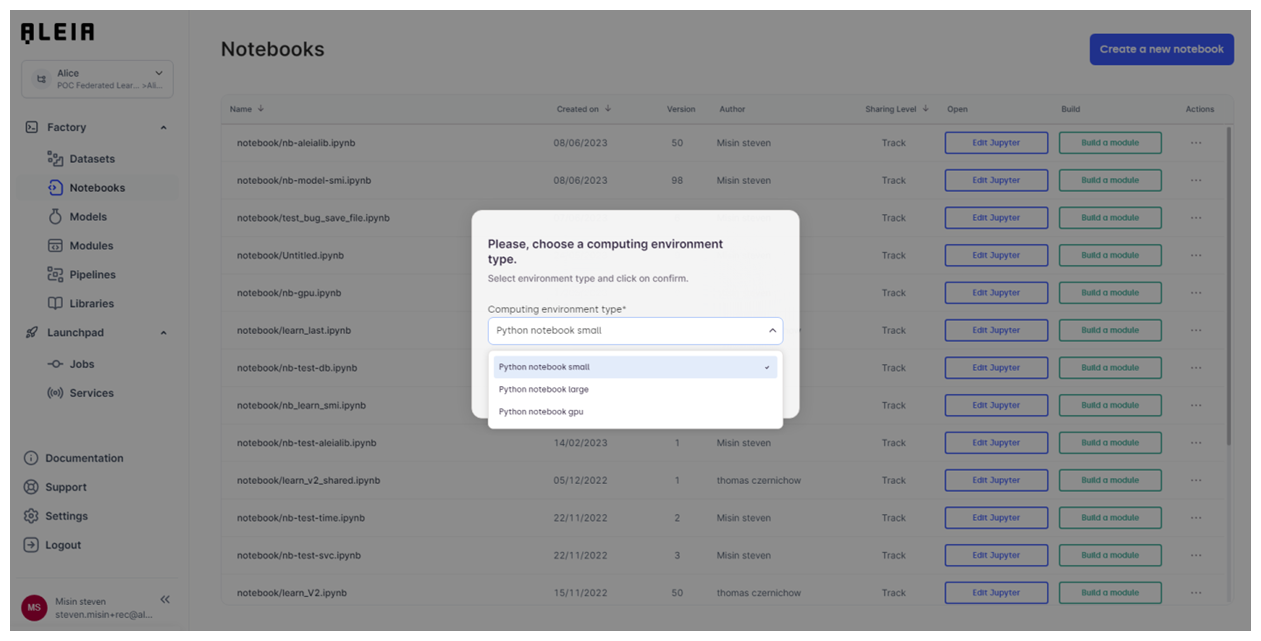
Here are the detailed computing ressources specifications for notebooks:
| Computing environment | CPU core | Memory (GB) | GPU Core | GPU memory (GB) |
|---|---|---|---|---|
Python notebook small |
1 |
4 |
0 |
0 |
Python notebook large |
4 |
16 |
0 |
0 |
Python notebook gpu |
8 |
40 |
1 (P100) |
16 |
Develop with a notebook
Most of the development will remains the same as any work done inside a Jupyter Notebook, so you could refer at any tutorial available on the internet.
However, there will remain 2 things that will be specific to Allonia Platform with dedicated utilities that will help you in your Allonia journey:
-
Allonia Python utilities (Aleialib) : a library that will help you accessing & managing various objects:
-
Datasources (files, db connectors)
-
Specific partner algorithms & features (geo data, annotation algo, classification, …)
-
-
Allonia Python model management (Aleiamodel) : a framework that will help you manage the whole model lifecycle:
-
Model architecture definition
-
Model training & performance tracking
-
Model evaluation
-
Model deployment
-
Model documentation tracking
-
More content are available through dedicated documentation part provided with examples:
Convert to a module
You can convert a Notebook into a module, selecting one or multiple cells. It will let you export class & functions you will want to reuse in any other Python code (notebooks, modules, services).
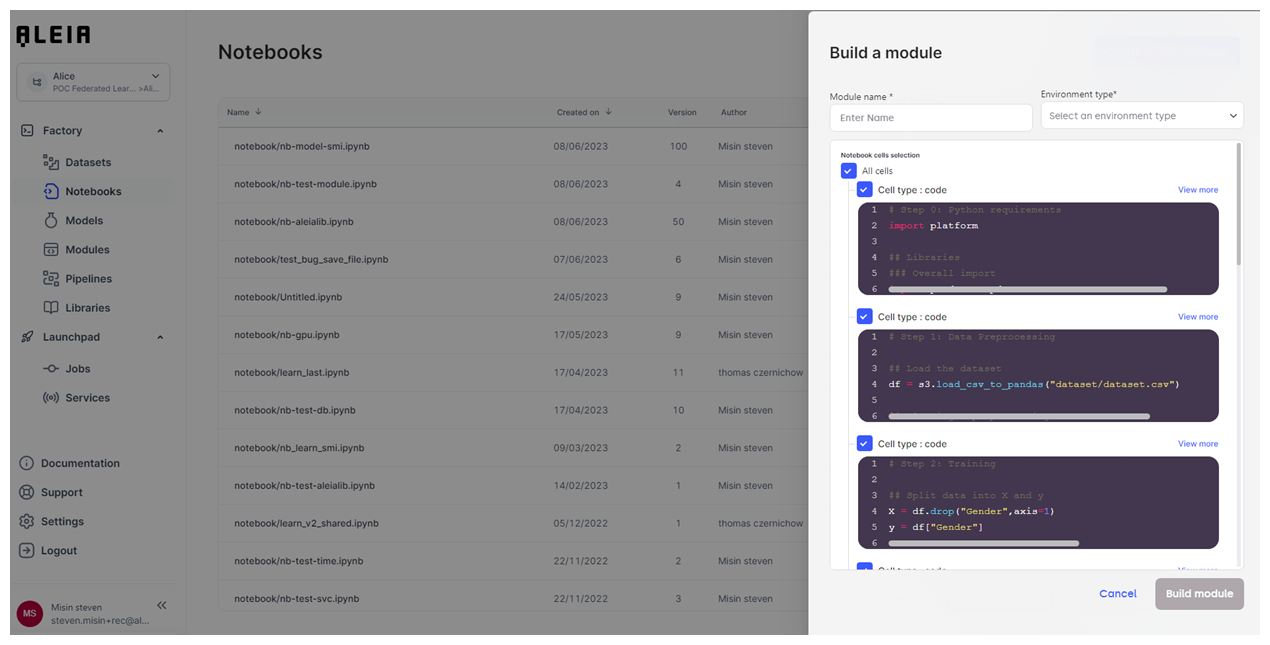
For more details about module management, you can refer to the dedicated part about Modules.